
- WITH MRAY, PATHOLOGY GOES DIGITAL -
So far, we already have digital and mobile radiology, but mRay can also allows digital pathology. Huge data sets at enormous speed.
It‘s a multi-talent.
mRay tools such as annotations, measurements and comments simplify morphological reporting. Thanks to intelligent data processing, stepless enlargement is possible in real time - even on mobile devices. In addition, you benefit from the integrated communication options and can work on reports regardless of location.
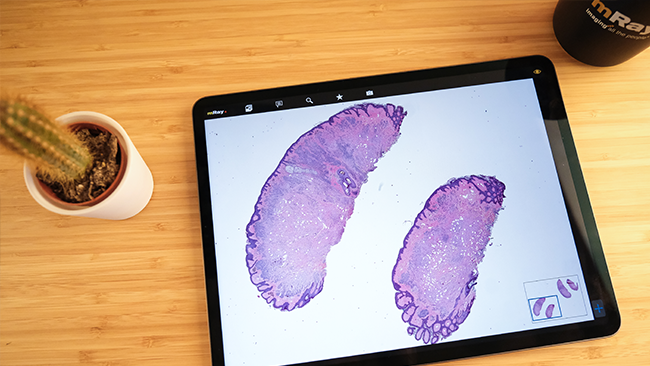
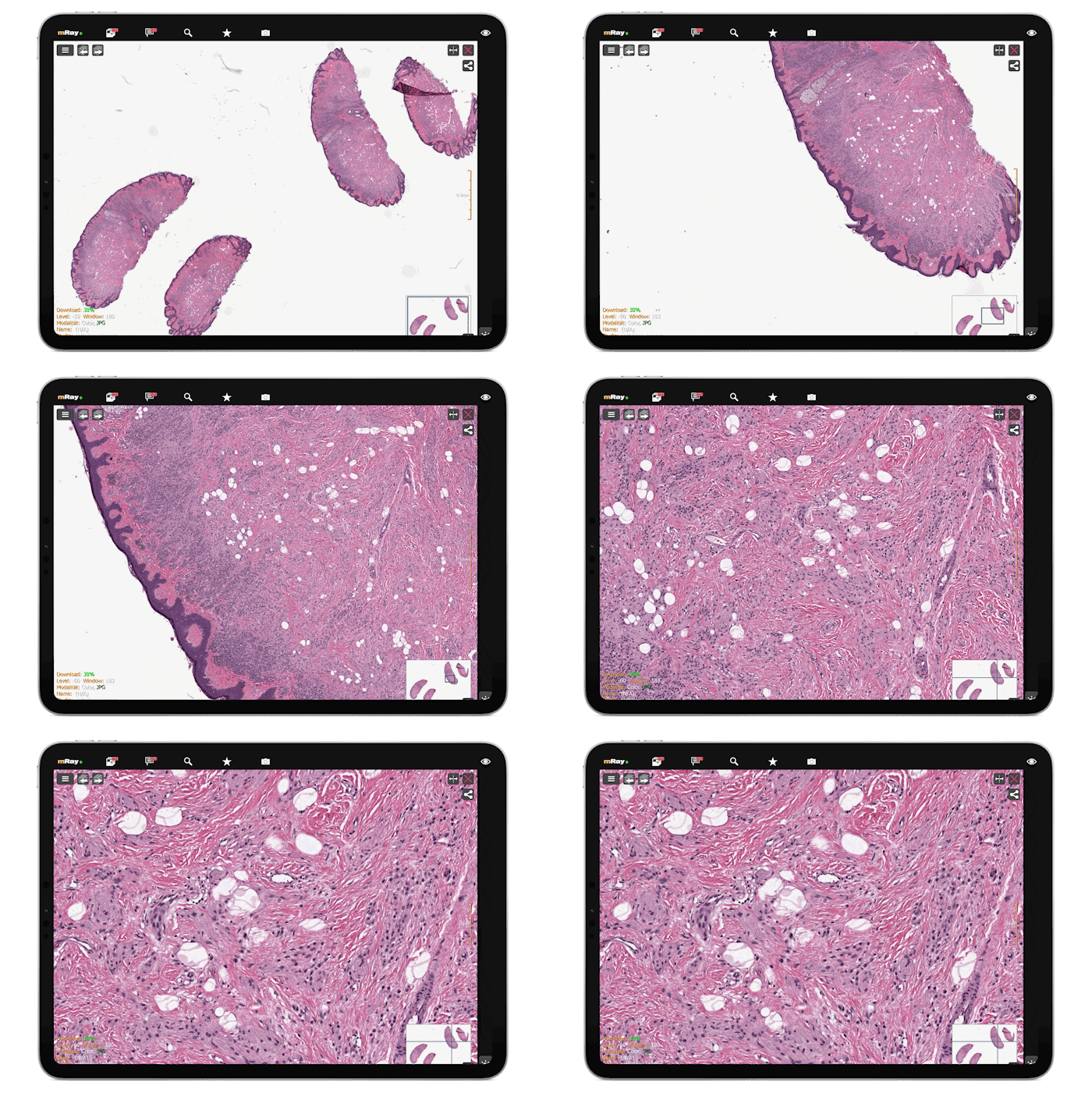
Simple sharing allows tumor conferences to be completed with digital tissue sections in addition to radiological image data. Location and device-independent access allows all participants to benefit from a fully digital workflow. This saves valuable time and additionally offers more security.

Get in touch with us via email or phone – we’re happy to assist you. Alternatively, you can explore mRay yourself and discover the countless ways our medical app can be used in everyday clinical practice.
Register at https://mray.app. There you can also upload your data.
The images are then also available on your smartphone. You can log in to the app with the account from the website. Use "mray.app" as server URL and enter your email address and password.
mRay offers the possibility to create a temporary link to studies or series. This can be sent e.g. by mail or in any chat program. The link is protected against unauthorized access with a PIN.
Yes. The mRay Web Client is available at https://start.mray.app.
mRay uses a standard DICOM interface for communication with the PACS. There are 2 possibilities:
The data security measures are as follows:
In Kürze erhalten Sie eine E-Mail, mit der Sie das Abonnement unseres Newsletters bestätigen können.