
STRUCTURED IMPORT INSTEAD OF MANUAL DATA CHAOS
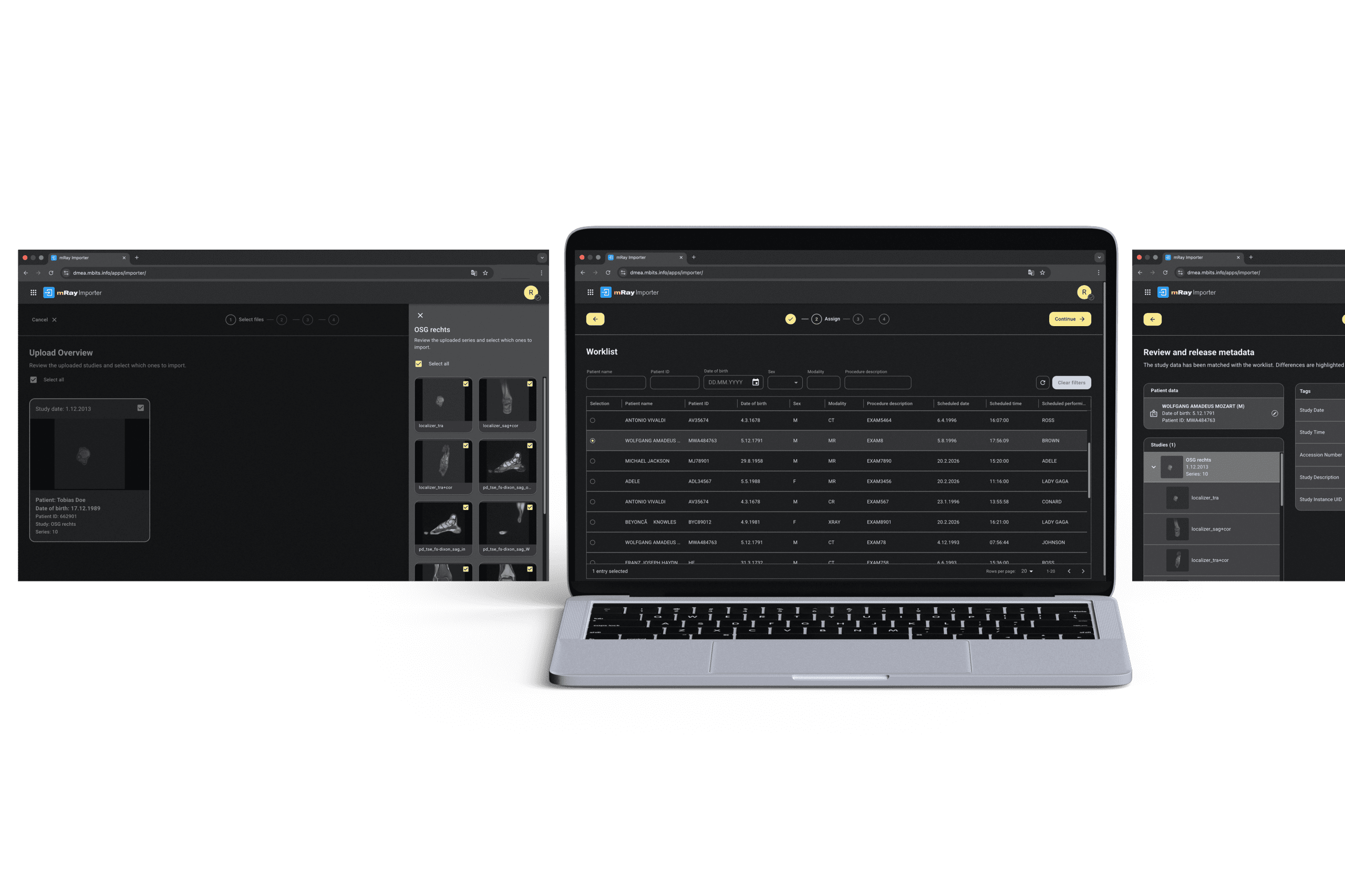
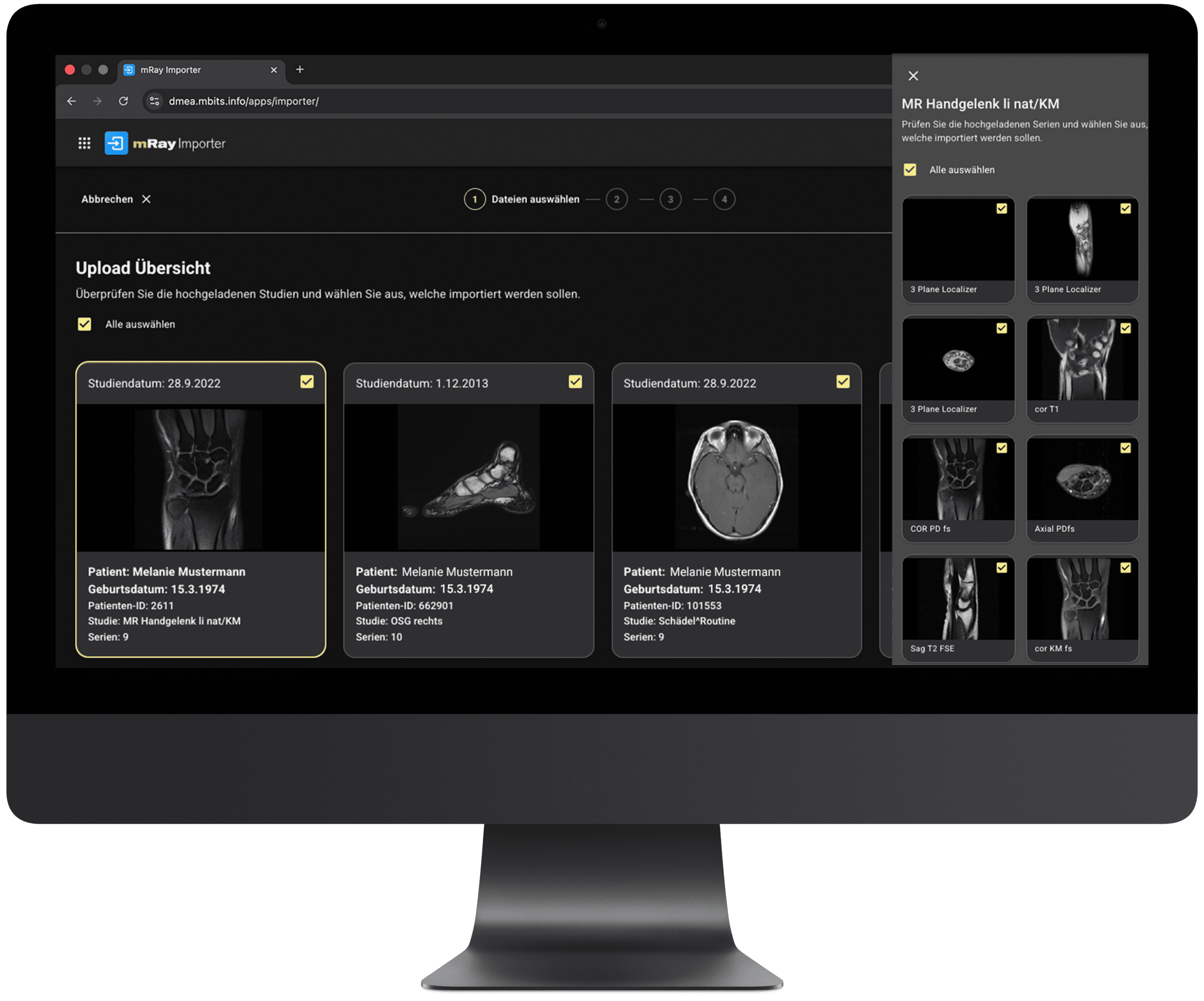
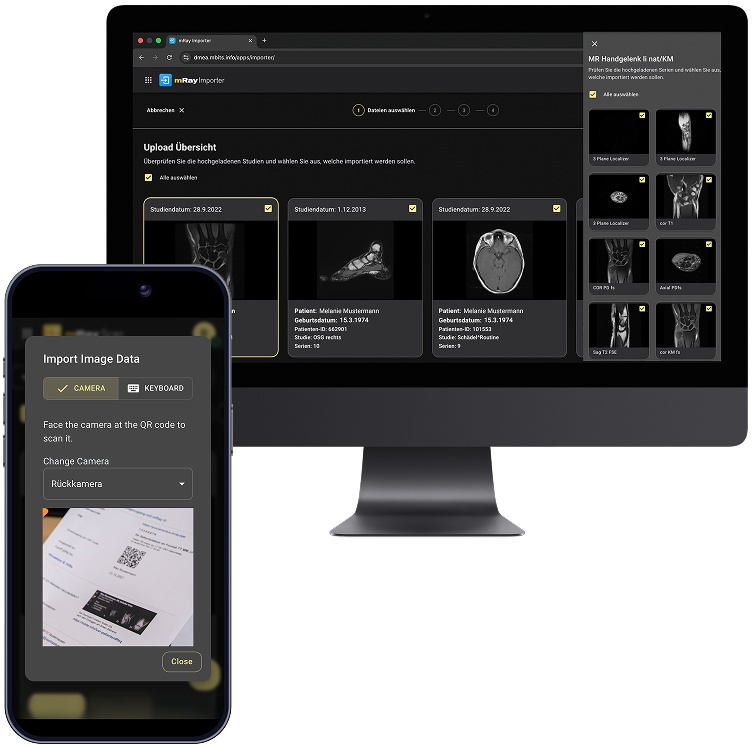
The mRay Importer enables the structured import of DICOM and non-DICOM data (e.g., JPG, PNG, PDF) and ensures clear assignment to patients and modality worklist orders. This allows external data to be integrated consistently and securely into your existing systems while reducing manual effort in everyday clinical workflows.
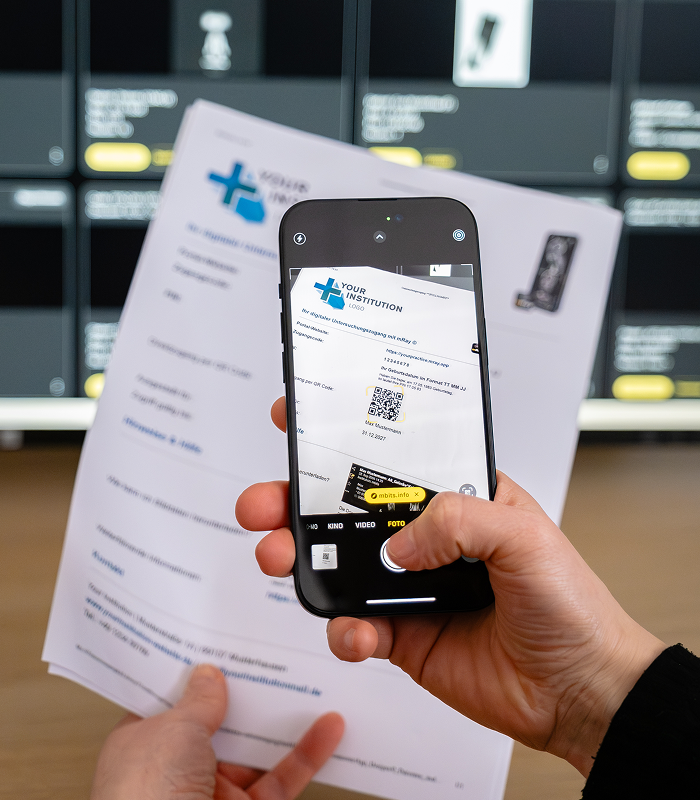
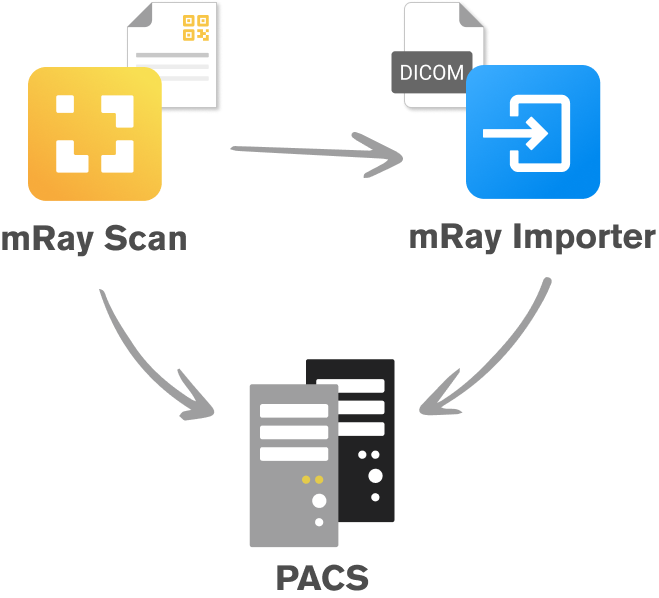
mRay Scan enables simple import of imaging data from patient portals, significantly improving access to radiological images. QR codes are captured centrally, securely processed, and directly integrated into your existing workflows.
QR codes can be scanned using a smartphone, tablet, handheld scanner, or desktop system. Depending on the system configuration, examinations are either immediately available in mRay or seamlessly transferred to the PACS via the mRay Importer.
This eliminates manual downloads, file extraction, and re-uploading. Processes become faster, more secure, and significantly more efficient.

mRay Scan is a specialized component of the mRay Importer and serves as the entry point for portal-based image data import. Together, both components enable a fully structured, scalable, and efficient workflow for integrating external imaging data into clinical systems.
Discover how simple and fast accessing and importing patient data can be. Schedule a demo or contact us directly.
Get in touch with us via email or phone – we’re happy to assist you. Alternatively, you can explore mRay yourself and discover the countless ways our medical app can be used in everyday clinical practice.
In Kürze erhalten Sie eine E-Mail, mit der Sie das Abonnement unseres Newsletters bestätigen können.