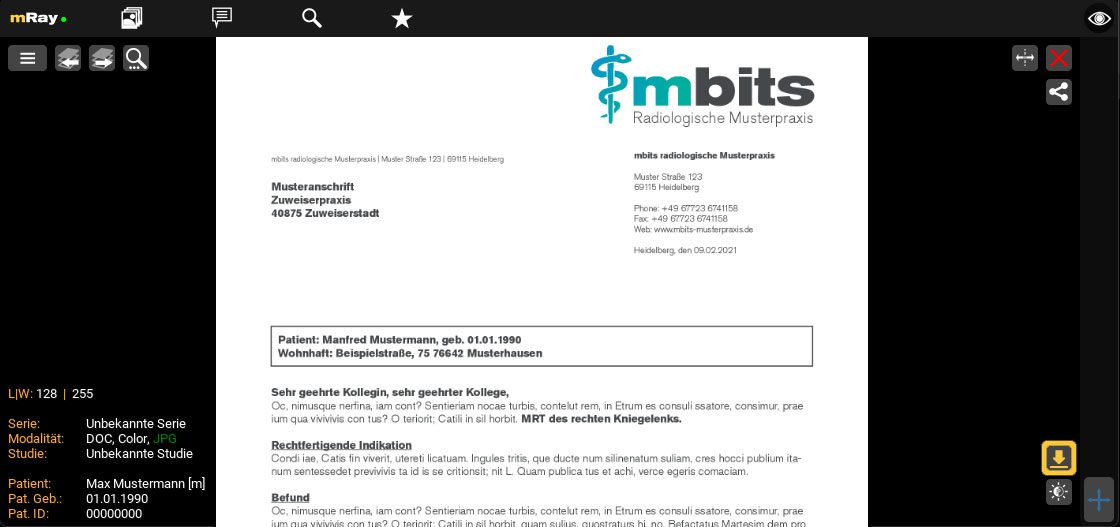

To download your image data, click the following icon  in the study view and follow your browser's instructions if necessary.
The downloaded files are in a ZIP file. After unpacking the ZIP file, you will not find any "usual" image formats there. Your images, findings and other documents are stored as so-called "DICOM" files. To view them, you need a special DICOM viewer. For this purpose, you can create an mRay private account under mray.app, for example. This allows you to access your data at any time via any browser or via app on a mobile device.
You can create your free mRay private account at www.mray.app . Further information about the mRay private account and a step-by-step tutorial video can be found here.
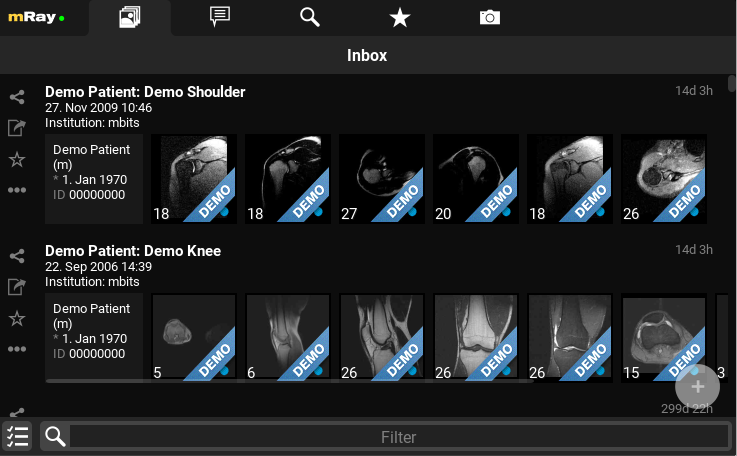
You can upload your data via the plus icon in the bottom right corner.
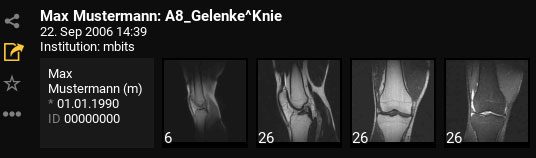
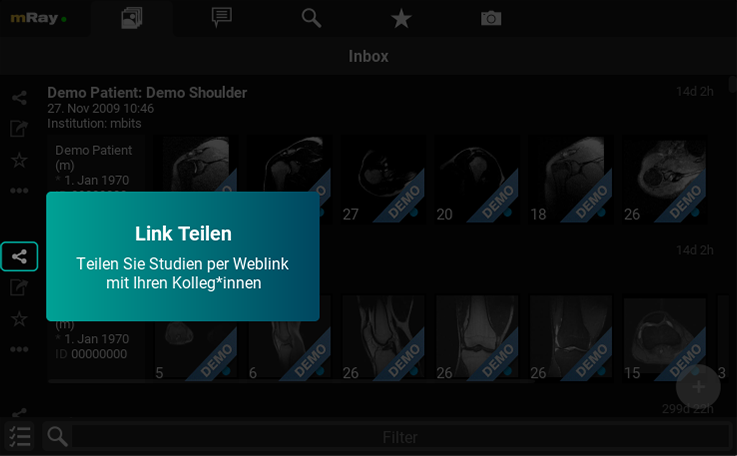
You can share your imaging data using the “Share” icon in the toolbar on the left.
There may be several reasons for this:
You always have the option of retrieving the image data without the QR code. To do this, follow the instructions on the printout. There you will find an Internet address that prompts you to enter your access code and PIN.
If your image data is no longer displayed, its validity has expired. To regain access to your image data, please ask your practice to renew your image data.
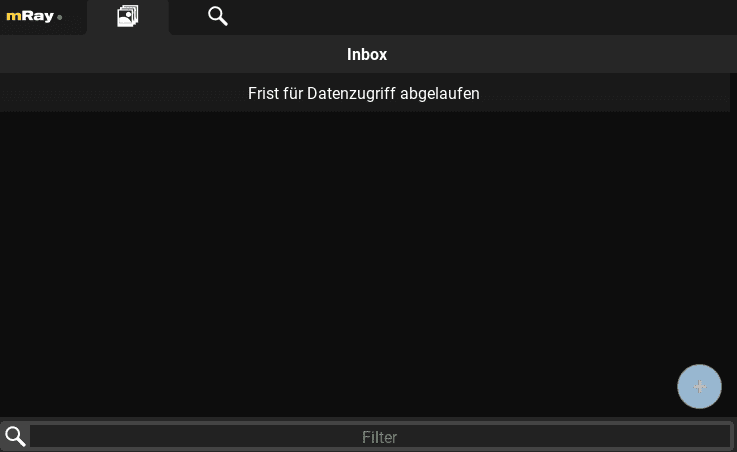
If your image data is no longer displayed, its validity has expired. To regain access to your image data, please ask your practice to renew your image data.
There is always a time delay between imaging and the availability of a finalized report. The report will appear as soon as it has been released. Please try again later, or contact your medical practice if it is still missing.
Open your report and click on the following icon  at the bottom right to download it. You can then print the PDF as usual.